01 / Dashboard
Your whole day.
In one place.
Appointments, a daily plan and basic statistics. Start with an overview of what is happening in your business today.
Ask about your panel ↗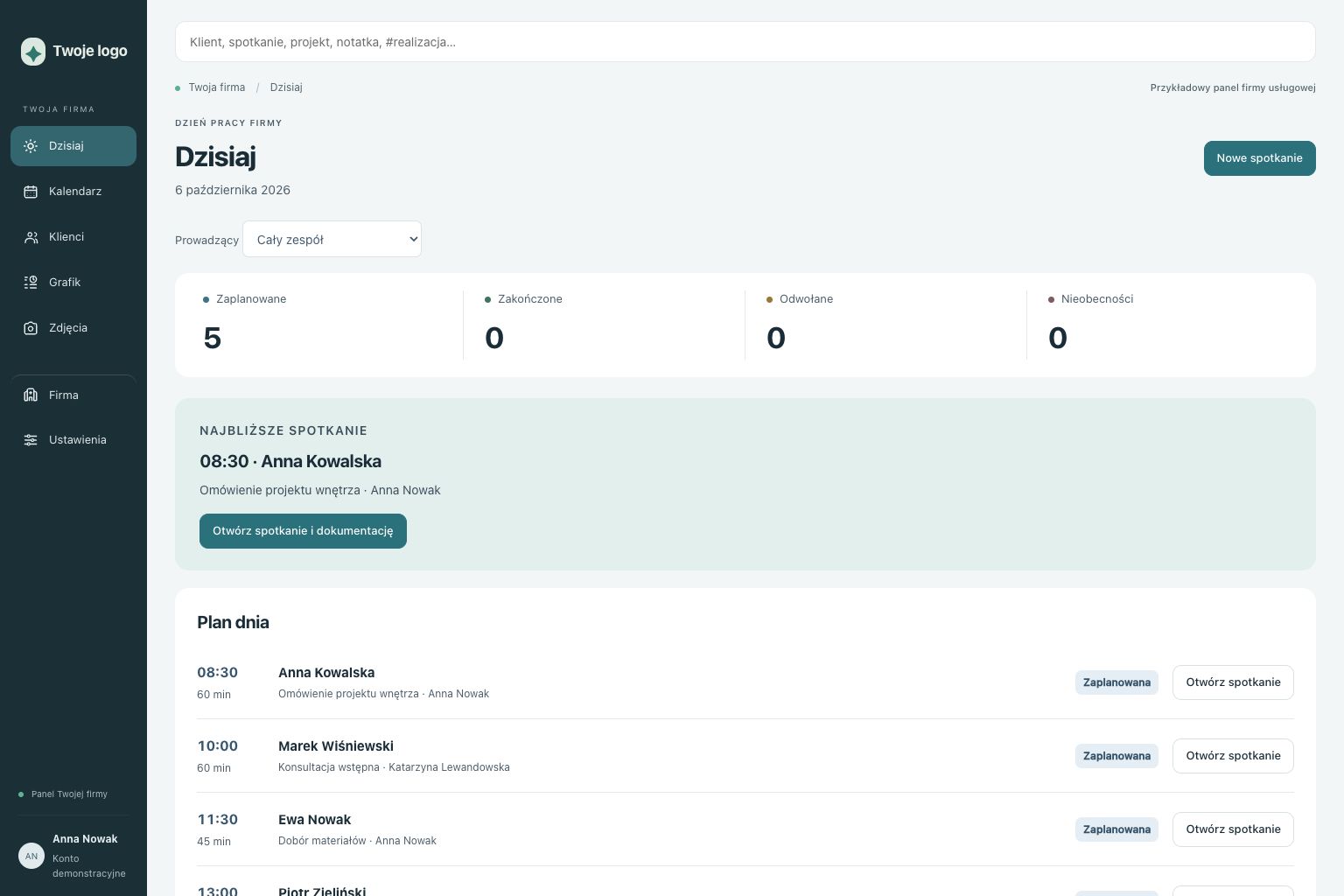 Example design · click to enlarge
Business panels / local first
I adapt an existing solution to your project: its design, layout and agreed features. For an office, salon or practice — we start with how you work and what you want to improve.
Plan your panel ↗01 / Dashboard
Appointments, a daily plan and basic statistics. Start with an overview of what is happening in your business today.
Ask about your panel ↗Example design · click to enlarge
02 / Customers
Search, contact details and relationship history. Information your team can revisit before the next meeting.
Ask about your panel ↗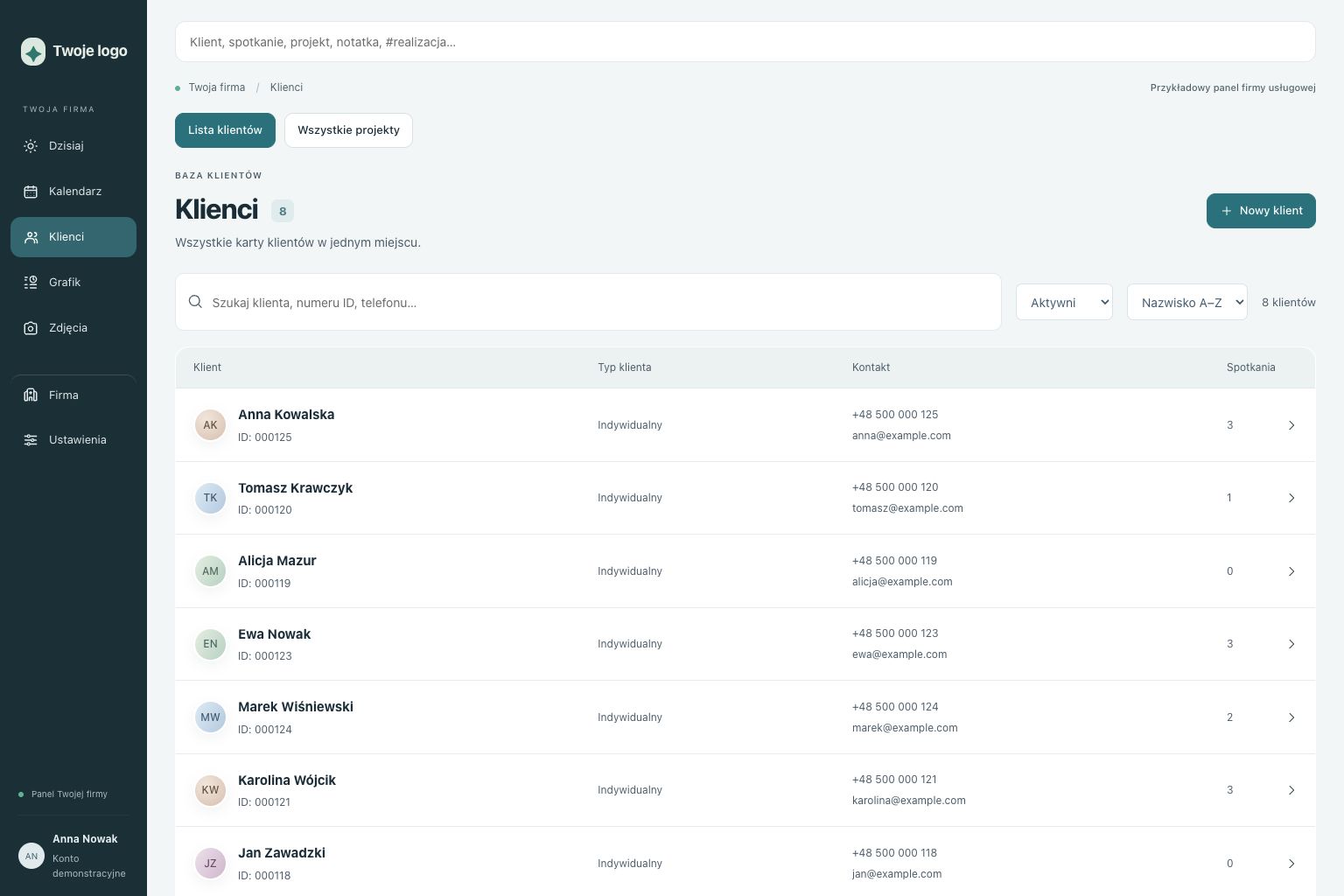 Example design · click to enlarge
03 / Customer profile
Notes, files, selected PDF documents and collaboration plans. We agree which modules fit your business.
Ask about your panel ↗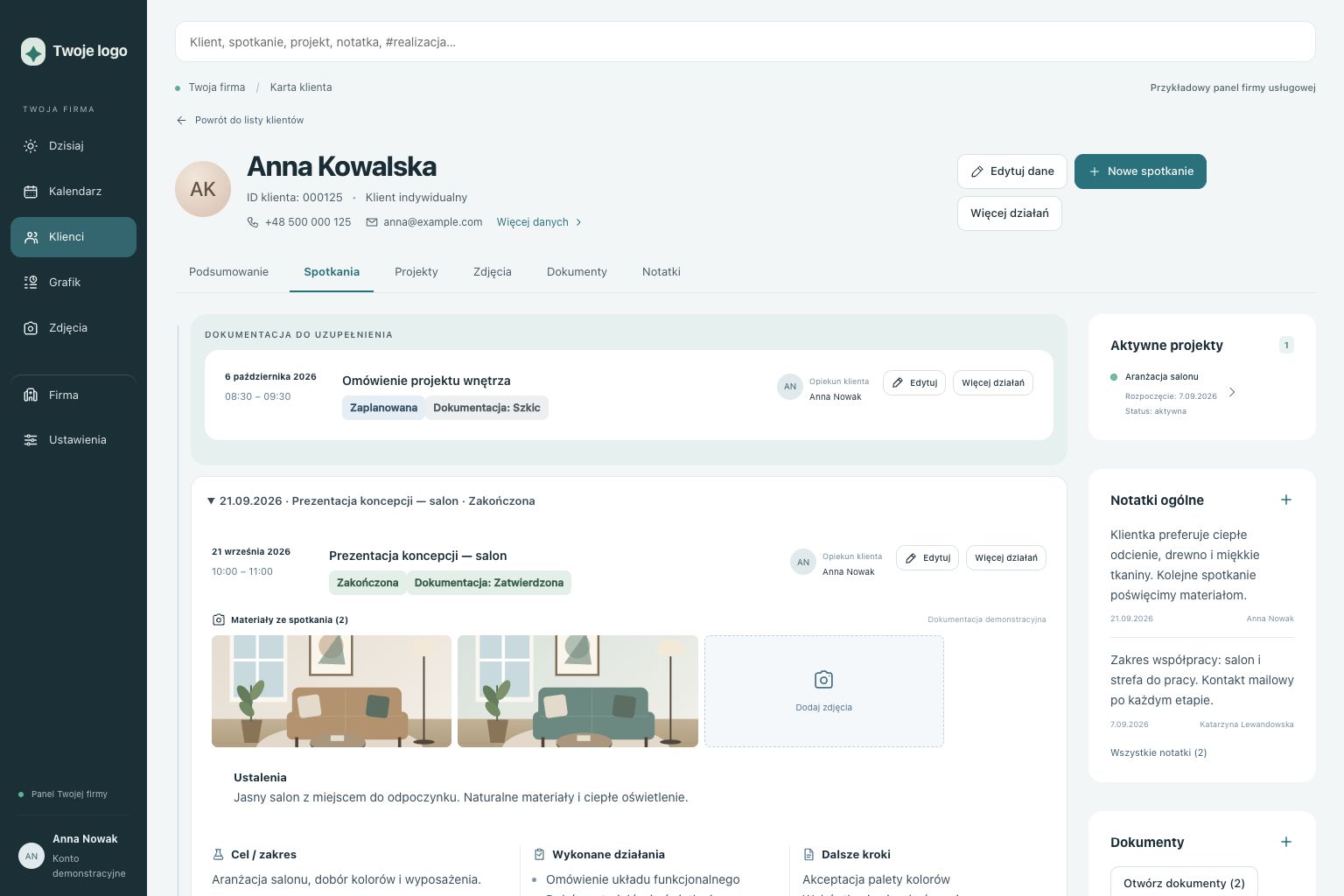 Example design · click to enlarge
04 / Calendar
Bookings, staff selection, recurring meetings and a waiting list. The same panel can have a design tailored to your brand.
Ask about your panel ↗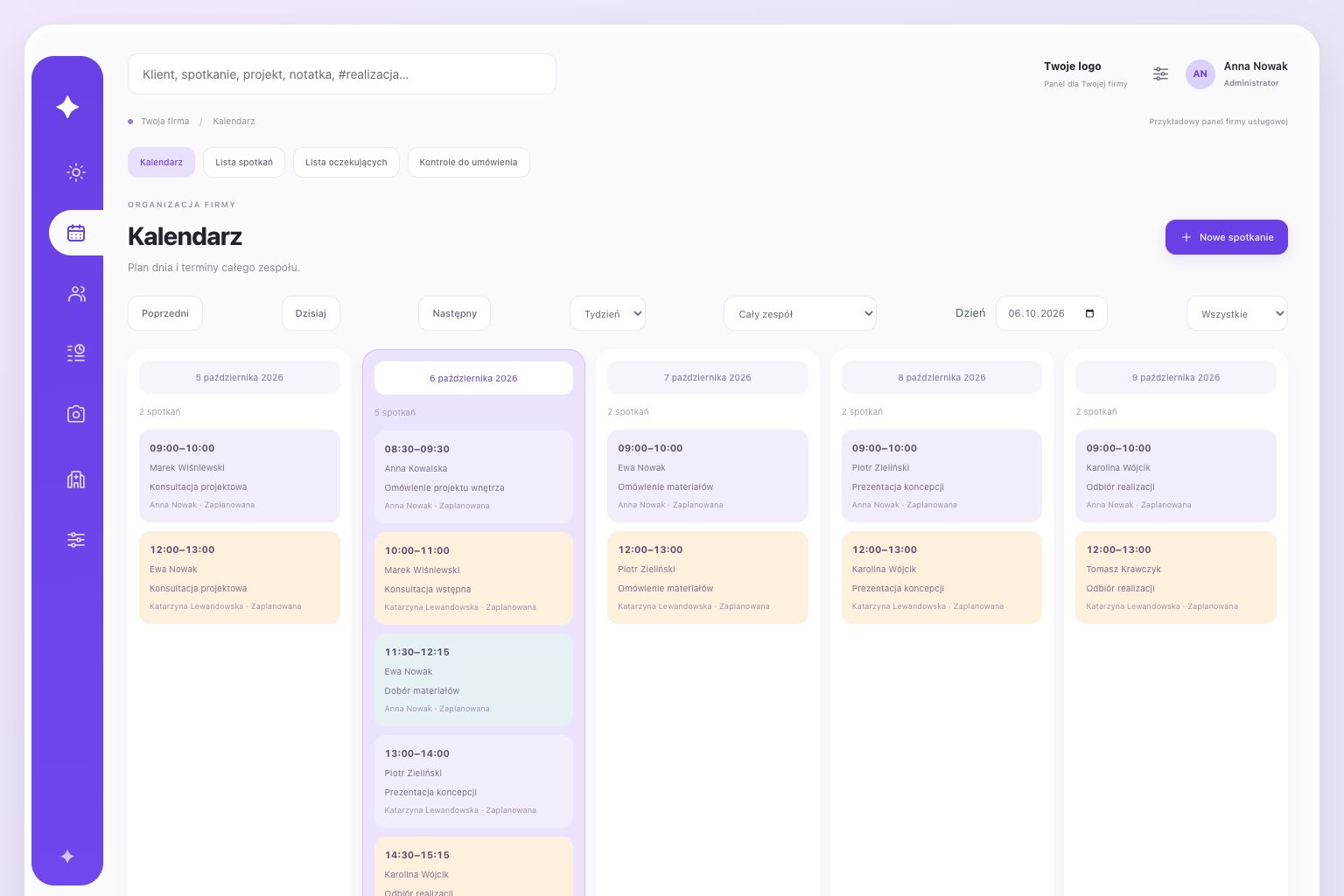 Example design · click to enlarge
05 / Team schedule
Working hours, absences and available appointment searches. See when another meeting can be scheduled.
Ask about your panel ↗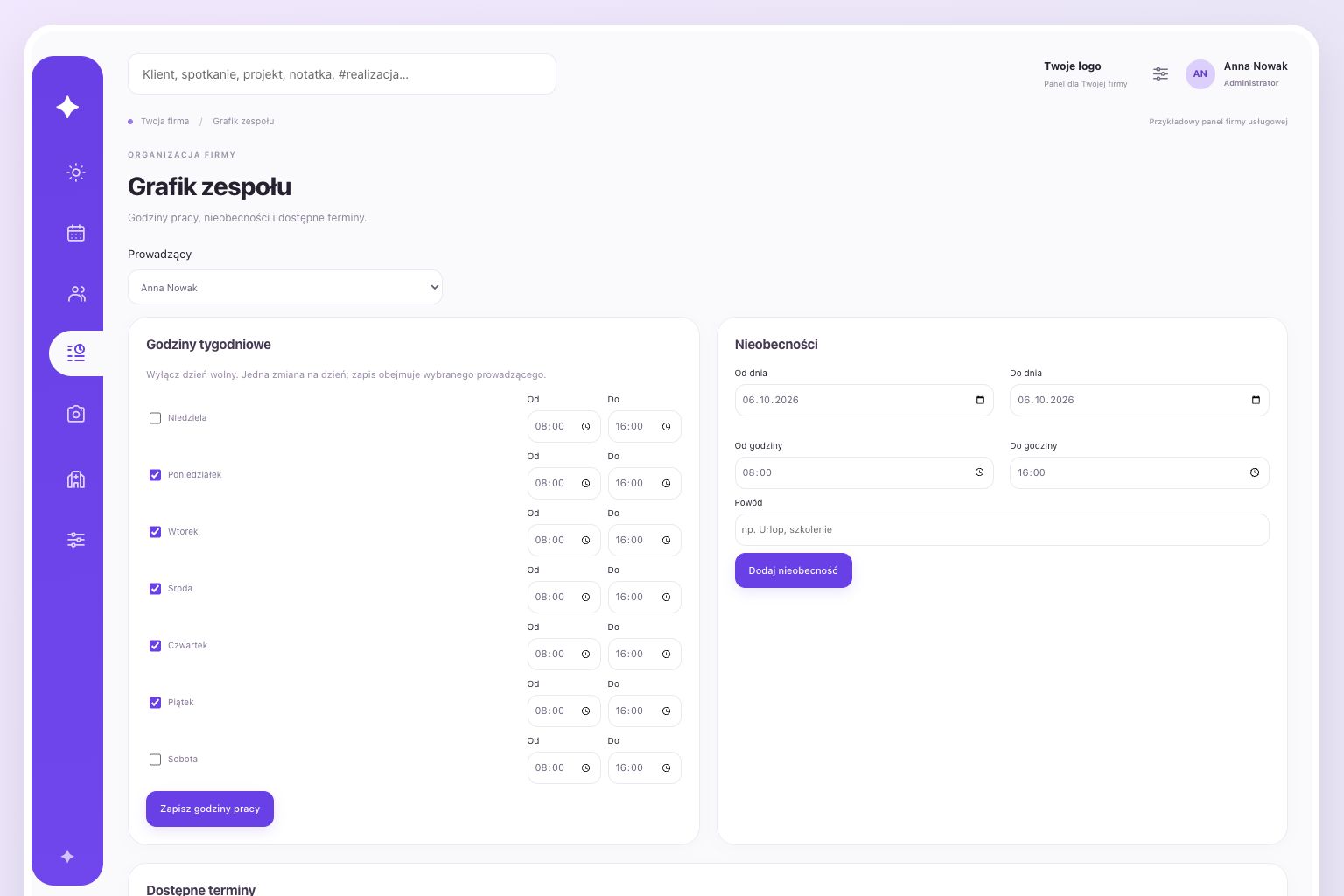 Example design · click to enlarge
06 / Media gallery
Photos, descriptions and hashtags. Filter and compare materials linked to your customer relationships.
Ask about your panel ↗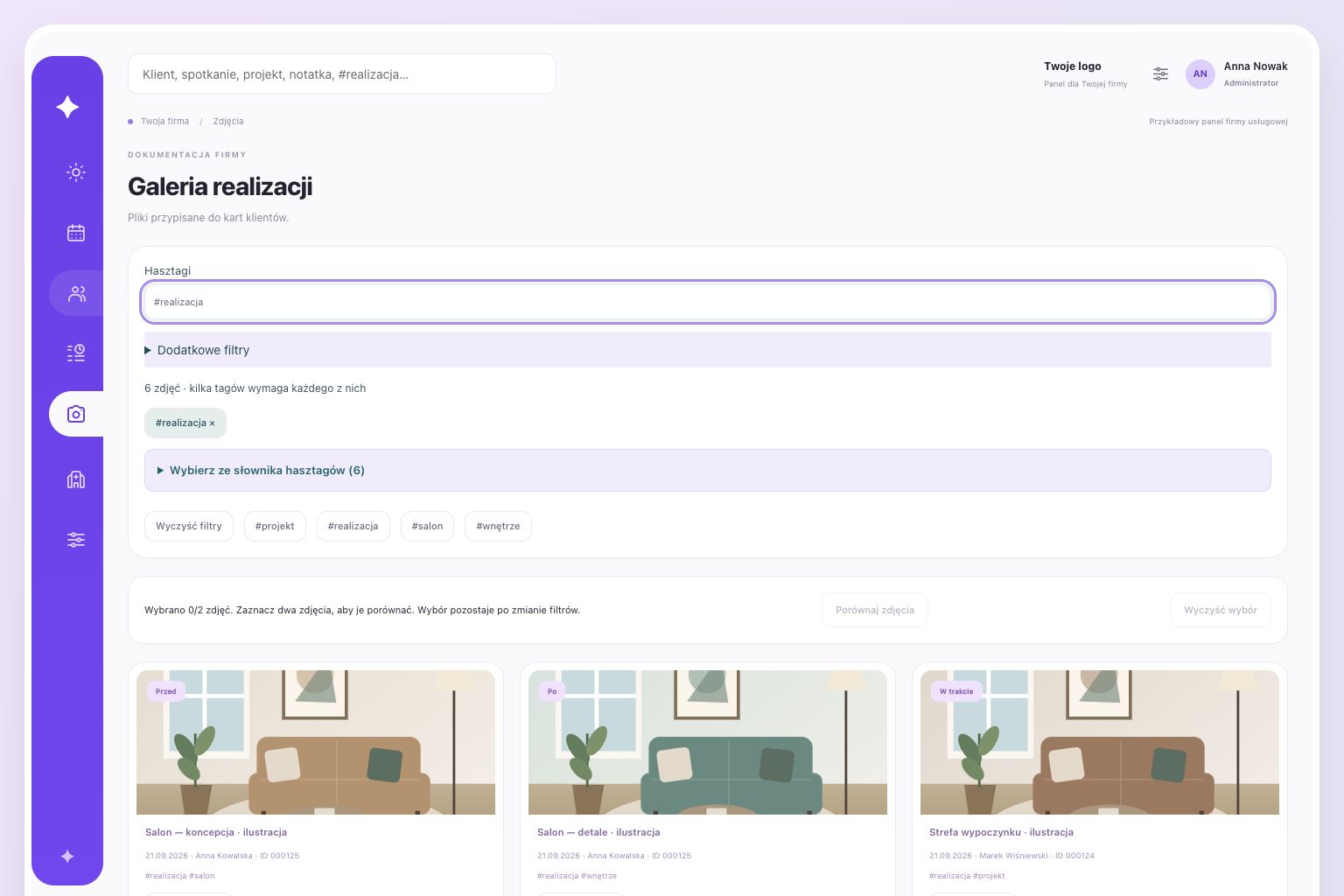 Example design · click to enlarge
In the base application
A panel for the owner and staff. We agree which modules to include and how they should fit your work.
Search, contact details, customer profiles and relationship history.
Appointments, staff selection, meeting statuses and recurring bookings.
Working hours, absences and available appointment searches.
Preferred dates and bookings for newly available slots.
Goals, progress and follow-up dates. Based on a therapy planning module and adapted to the business.
Customer files, record history, templates and selected PDF documents.
Photos, descriptions, editable hashtags, filters and comparisons.
Staff logins and role-based access.
Dashboard, basic statistics and backups.
A standalone customer login portal and a task module with assignees, deadlines and statuses are additional development scopes, not base features.
The panel runs on a local device in your office. Access it in a browser on devices connected to the same network.
A one-off fee covers the agreed deployment. Support and new features are optional and quoted separately.
Colours, layout and interface style are tailored to your business. We also agree on the functions your daily work needs.
Deployment step by step
You explain how the business works, who will use the panel and what needs to improve. We establish which parts of the existing solution fit and what needs adapting.
I propose a layout and features, with a visual direction that matches your brand. The quote covers an agreed scope.
The panel runs locally. We agree on hardware, network requirements, user access and backup arrangements before deployment.
Deployment has a one-off fee for the agreed scope, configuration and launch. Bug fixes follow the agreed warranty. New features are quoted separately. Optional care is available per request or as a package. Selected external services, such as hosting, a domain or SMS, may carry separate charges and are agreed individually.
The panel is independent. It can be deployed on an existing network after checking the technical requirements. If you need new infrastructure, I also install UniFi.
The design and layout are adapted to your business. We agree on the extent of customisation and features at the start.
The standard setup provides access from devices on the same local network. Remote access requires a separate agreement and configuration.
This offer covers panels adapted to individual projects. Local deployment alone does not make a panel suitable for medical records. A practice’s needs and data scope must be established before quoting.
You pay once for the agreed implementation scope. Bug fixes are covered by the agreed warranty. Support, new features and any external services are priced separately.
We agree on workflows, modules and visual style, then configure the local device, user access and backups. The scope and price are agreed before implementation.
Tell me how your business works, who will use the panel and what you want to improve.