01 / WiFi / UniFi AP
WiFi.
Everywhere.
UniFi access points selected for your rooms and users. WiFi for work, learning and meetings — in offices, schools, homes or parish halls, with a separate guest network.
Service details ↗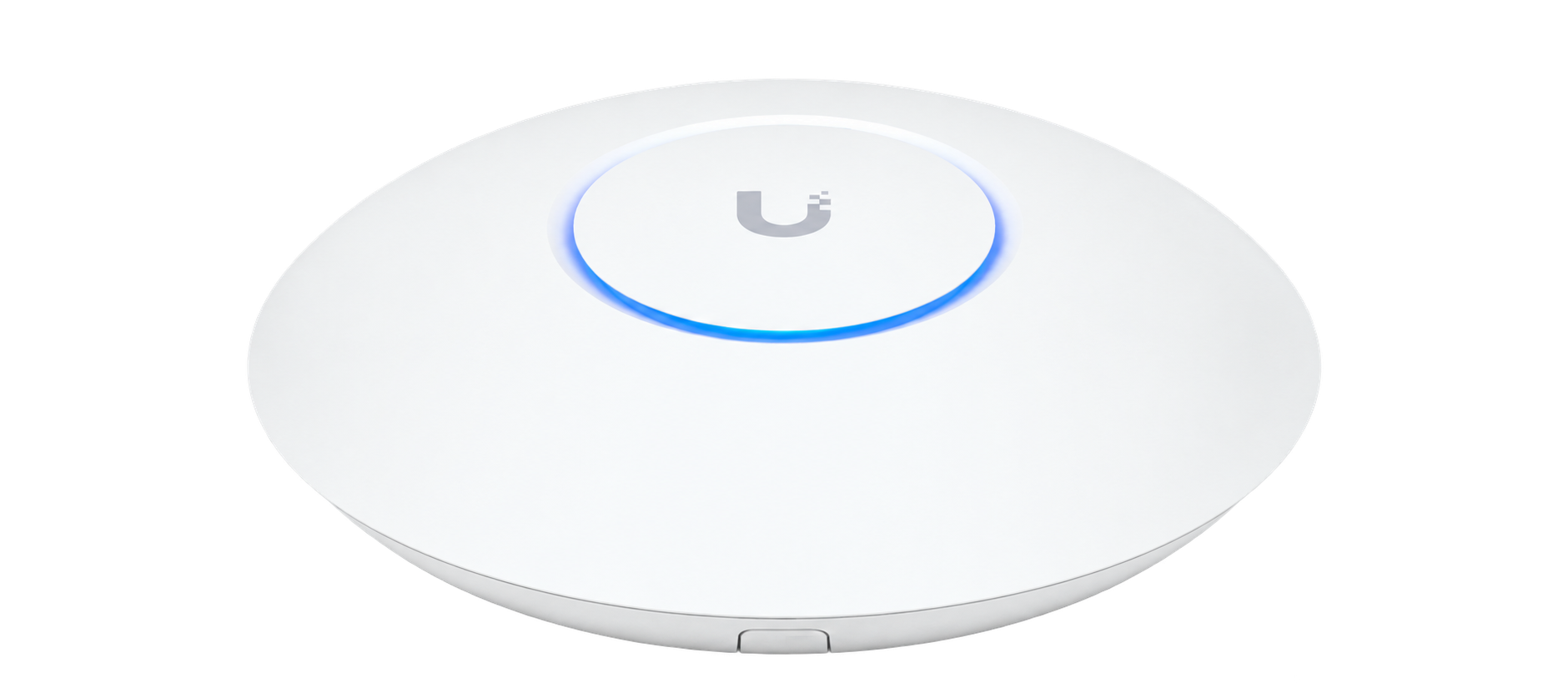
UniFi / Design · Installation · Support
WiFi, Ethernet, cameras and shared files. I design and install UniFi networks for homes, businesses, schools and parishes — from the first plan to ongoing support.
Plan your network ↗Explore UniFi ↓01 / WiFi / UniFi AP
UniFi access points selected for your rooms and users. WiFi for work, learning and meetings — in offices, schools, homes or parish halls, with a separate guest network.
Service details ↗02 / Ethernet / Rack
Ethernet cabling, RJ45 outlets, patch panels and rack organisation. Wired connections for workstations, printers and access points.
Service details ↗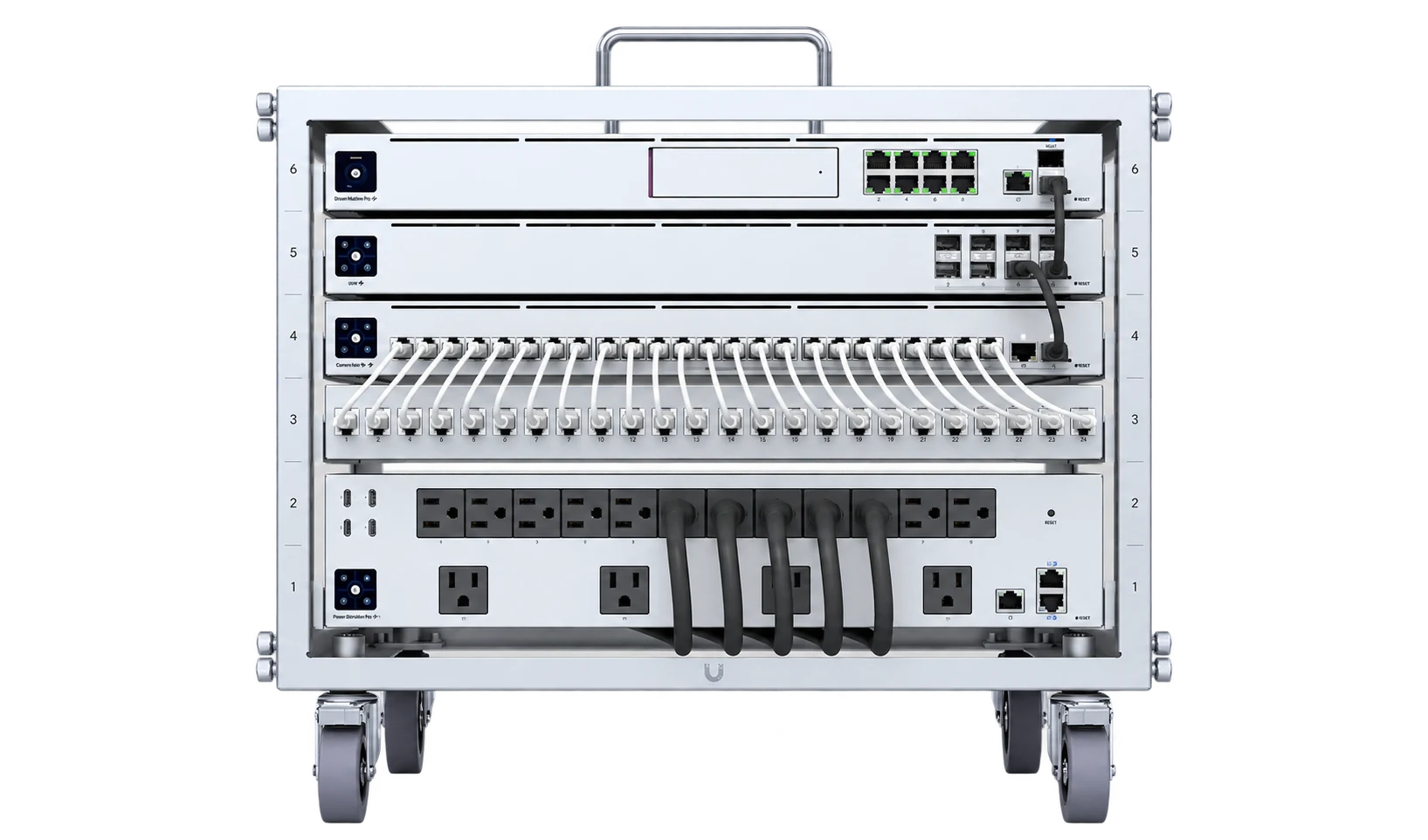
03 / UniFi Protect
UniFi Protect monitoring for homes, businesses and institutional premises. For a school or parish, the scope is agreed with the premises administrator. Local recording on your own equipment, with access configured for your needs.
Let’s talk ↗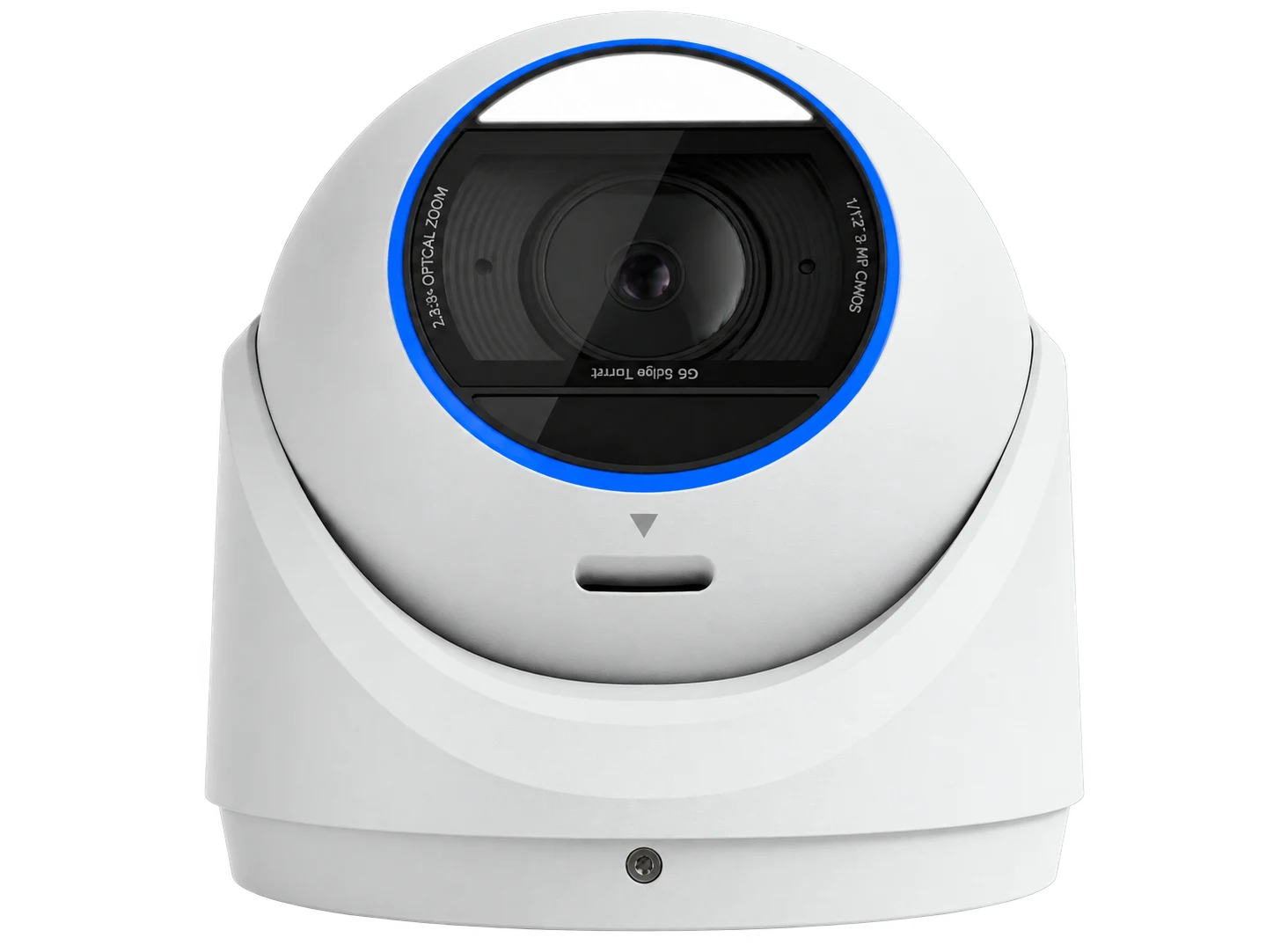
04 / UNAS Pro / NAS
UniFi NAS for home files and team folders. Shared storage, user permissions and a separate backup plan.
Let’s talk ↗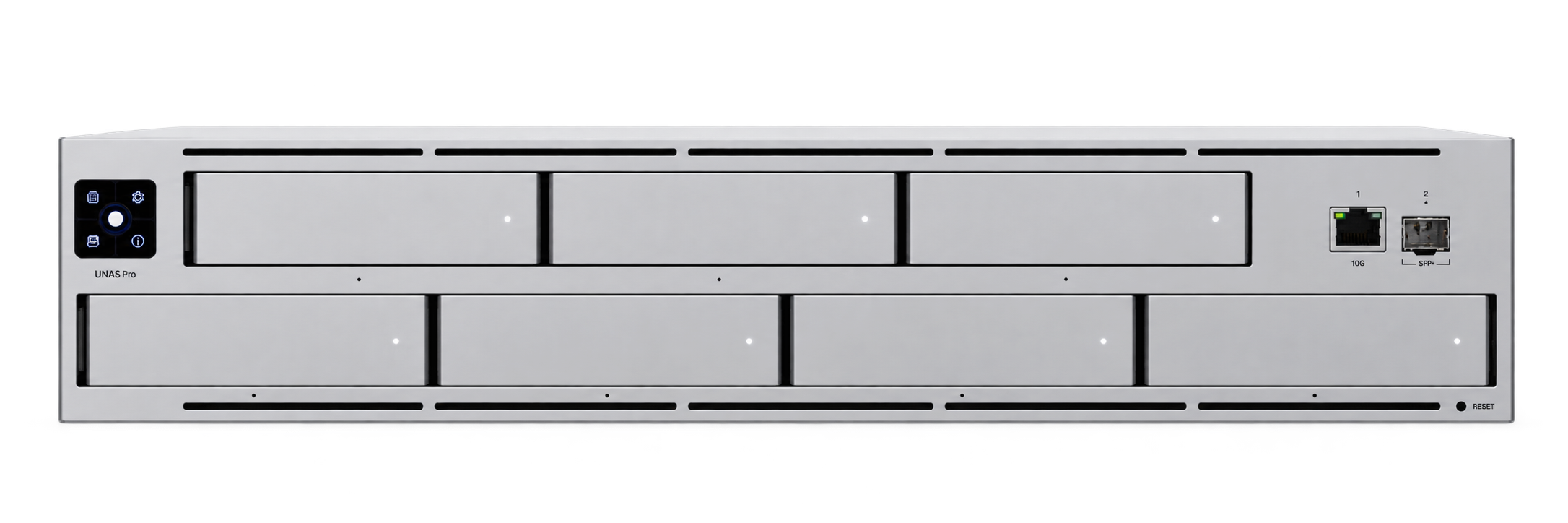
05 / UDM Pro Max / Gateway
UniFi gateway configuration, VLANs, firewall rules and VPN. Separate access for administration, staff, guests and IoT devices, tailored to your home, business or institution.
Service details ↗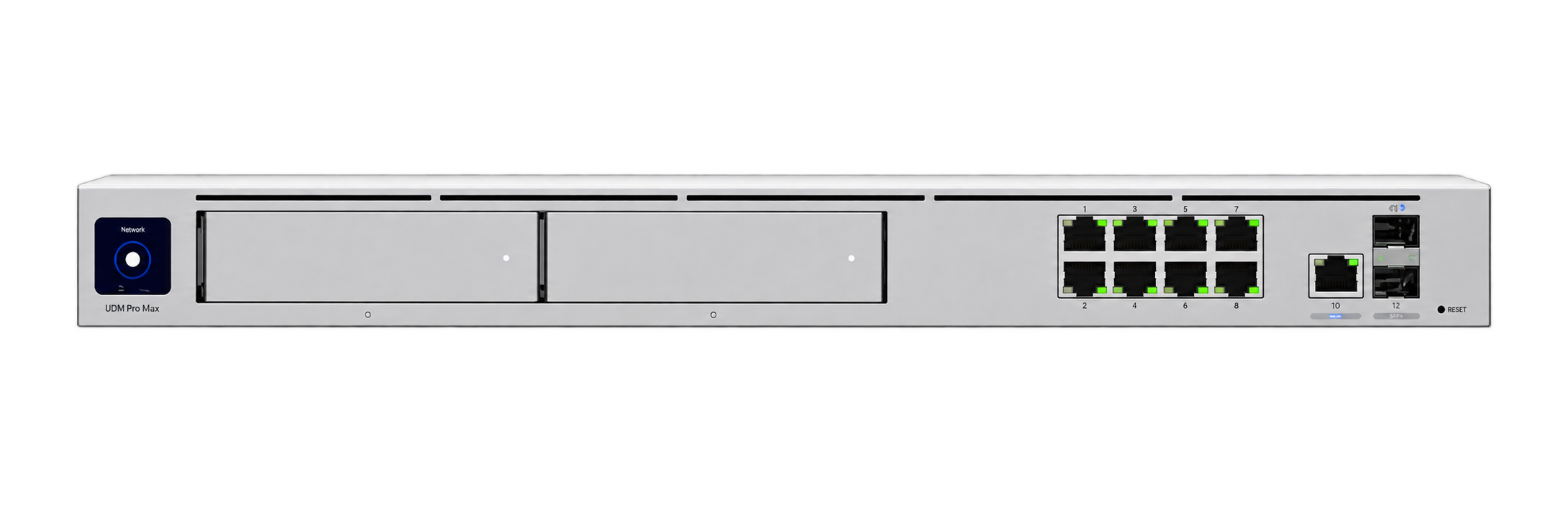
Schools / Parishes / Security
WiFi and LAN network design for schools: classroom coverage, Ethernet cabling and separate access for administration, teachers, students and guests.
Explore the service ↗WiFi for parishes, churches and meeting rooms. UniFi guest access, a separate parish office network and connections for work and online streaming.
Explore the service ↗UniFi Protect camera installation and configuration: local recording, person and vehicle detection and AI features matched to the premises.
Explore the service ↗Home office / Small office
A desk at home or a small team in an office: the network needs to support your work. I plan wired connections, WiFi coverage and access to resources around your space and users.
Workstations, video meetings, network printers and shared files. I design small business networks that bring wireless and wired connections together in one manageable UniFi installation.
Explore the service ↗Network cabling for homes, offices, schools and parish buildings: Ethernet cables, RJ45 outlets, patch panels and racks. I design wired infrastructure as the foundation of a UniFi installation.
Explore the service ↗Weak WiFi, dropped connections during meetings or rooms with poor coverage? I design and configure UniFi access point networks for homes and home offices, as well as businesses, schools and parish premises.
Explore the service ↗A new network for an apartment, home office, business, school or parish. I select and configure UniFi gateways, switches and access points, and plan LAN cabling.
Explore the service ↗For a school, parish or another type of premises, see networks for education, community spaces and security. The design starts with the building and the needs of its users.
The UniFi ecosystem brings together routing, WiFi, cameras, storage and access control. Devices and configuration are selected for your building and its users.
Pricing / UniFi care
Already have UniFi, but nobody explained how to use it? Need someone to manage your business, school or parish network remotely and visit when a fault requires it? I offer one-off assistance and ongoing UniFi network support.
One-off quote
A review of your existing UniFi setup, access checks and a practical walkthrough. Learn how to manage guest WiFi, find connected devices and use the agreed features.
Ask for a quote ↗Individual monthly quote
Remote network administration, agreed configuration changes, planned updates and support with reported issues. The scope follows the number of sites, devices and your needs.
Ask for a quote ↗Terms agreed in advance
When remote support is not enough, an on-site visit by arrangement, with travel agreed in advance. We agree visit charges, travel costs and any included allowance before starting ongoing care.
Ask for a quote ↗Support hours, response times, remote work allowance and on-site terms are agreed in the service scope. Hardware, travel and work outside the agreement are quoted separately unless explicitly included.
How ongoing care works ↗Choose a topic and expand a question. These answers explain the scope before you contact me.
Yes. I review the layout, existing equipment and areas with connection problems, then propose UniFi access point locations, configuration or cabling. Explore this service ↗
I install the internal network: WiFi, Ethernet and UniFi equipment. Your internet connection comes from a provider. I help distribute that connection throughout your home, business or institution.
Existing cables, different equipment locations or surface-mounted cable routes may be enough. I assess the options for your premises and balance coverage, appearance and budget. Explore this service ↗
The price depends on floor area, users, access points and cabling work. Existing equipment and the way you plan to use the network also matter. Scope and pricing are agreed before work begins.
I first check what can be reused, including cabling, racks and compatible equipment. My network configuration work uses UniFi; I do not configure or service Cisco or MikroTik. Explore this service ↗
Yes. I plan separate networks and access rules for administration, teachers, students and visitors. We agree who can access printers, files and other resources; different WiFi names alone are not a substitute for proper isolation. Explore this service ↗
Yes, this separation is included in the network design and configuration. Guests can use the internet without access to parish office computers or administrative equipment. We can also agree speed limits and a sign-in method. Explore this service ↗
Yes. I can prepare connections for streaming equipment and separate its traffic from guest WiFi. We review streaming requirements and the provider’s connection. Livestream operation and audiovisual equipment are separate scopes to agree. Explore this service ↗
The schedule and work sequence are agreed with the person responsible for the premises. Network changes are planned to limit disruption. Specific dates are confirmed when agreeing the project.
The cost depends on camera count, areas to cover, lighting, cabling and recording retention. We also select a recorder and user access arrangements. Scope is agreed with the premises administrator before quoting. Explore this service ↗
A local UniFi Protect installation can continue recording without the internet connection. Cameras, the recorder and the local network still need to operate and have power. Remote access may be unavailable. Explore this service ↗
Person detection marks an event with a person in view without establishing their identity. Facial recognition is a separate feature available in compatible configurations. Its purpose, permissions and data requirements are agreed separately; it is not enabled by default. Explore this service ↗
Access is agreed with the owner or premises administrator and assigned to authorised users. We define how recordings are viewed, remote access and retention. The guest network should not provide access to the surveillance system.
Yes, after reviewing it and confirming authorised administrative access. We first agree any work needed, then the support scope. A standalone walkthrough is also available. Explore this service ↗
The proposal specifies support hours, response times, included work and visit terms. A monthly plan alone does not mean unlimited visits or 24/7 availability. Additional work is agreed separately. Explore this service ↗
I take on projects across Poland. Timing depends on the premises, cabling and configuration scope; the schedule and travel costs are agreed before work begins. Some consultations and support can be provided remotely.
I design and install UniFi networks. I work with equipment and diagnostics every day, and build systems that remain organised and easy to manage.
  ██
 ████
██████
█ ██ █
██  ██
█    █
 ████
██████
█ ██ █
 █  █
 ████
██████
█ ██ █
██████
█    █
  ██
██████
█ ██ █
██████
 █  █
Tell me about your building, location, users and current equipment. We will agree on the right scope.